Animations
How the mouse lands.
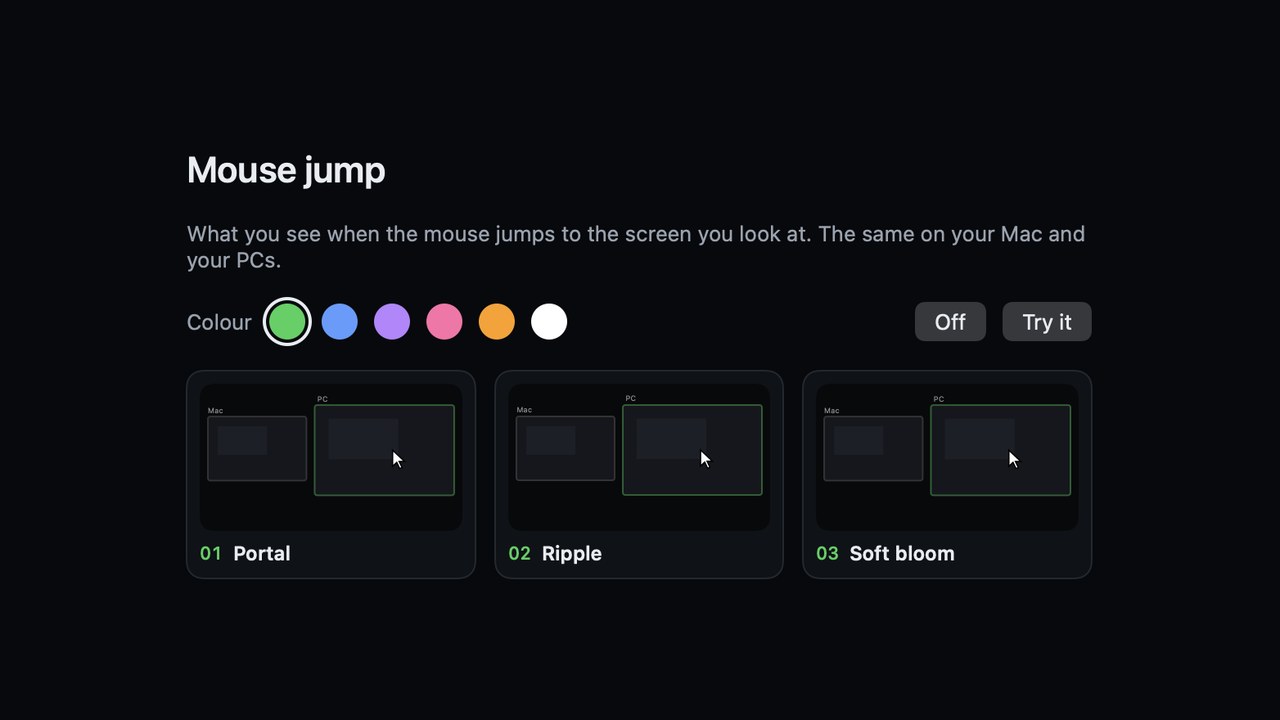
When you look at another screen, LookSwitch moves the mouse there and plays a short animation so your eyes find it. These are the real ones, drawn with the same rules as the app. They look the same on your Mac and your PCs.
macOS 14+ on Apple silicon · Windows 10 and 11 · Free to try
Every animation
Pick one in Settings › Mouse jump. The ones marked “pointer moves” glide the pointer itself.
With Reduce Motion turned on (Mac or Windows), every option becomes a short, still fade and the pointer doesn't travel.
More guides
One keyboard and mouse for Mac and PC
Use one keyboard, mouse and clipboard on a Mac and a Windows PC.
Synergy alternative
Mac and Windows keyboard sharing that switches by looking, not screen edges.
Mouse Without Borders for Mac
Share a keyboard, mouse and clipboard between Windows PCs and a Mac.
Universal Control for Windows
Universal Control-style keyboard and mouse sharing between a Mac and a PC.
Look, and the mouse is there
Download LookSwitch for Mac, open the .dmg and drag LookSwitch into Applications. Setup takes about three minutes.
macOS 14+ on Apple silicon · Windows 10 and 11 · Free to try